Drive
Team files in shared drives.Access set once per drive.
Shared drives and folders for the team, with file previews, versions and access set per drive.

instead of Google Drive, Dropbox
Files the whole team can find
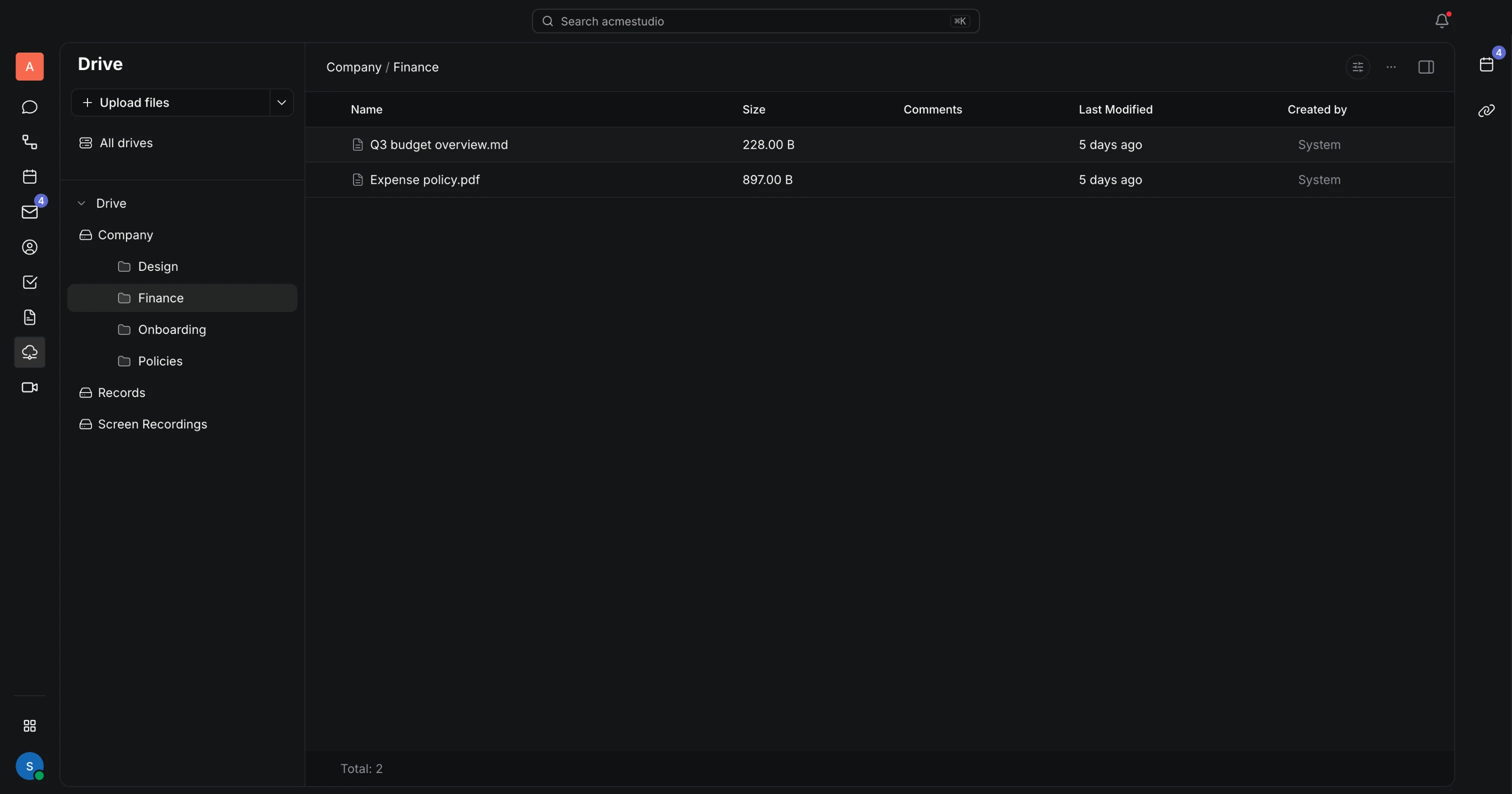
Drives, folders and files
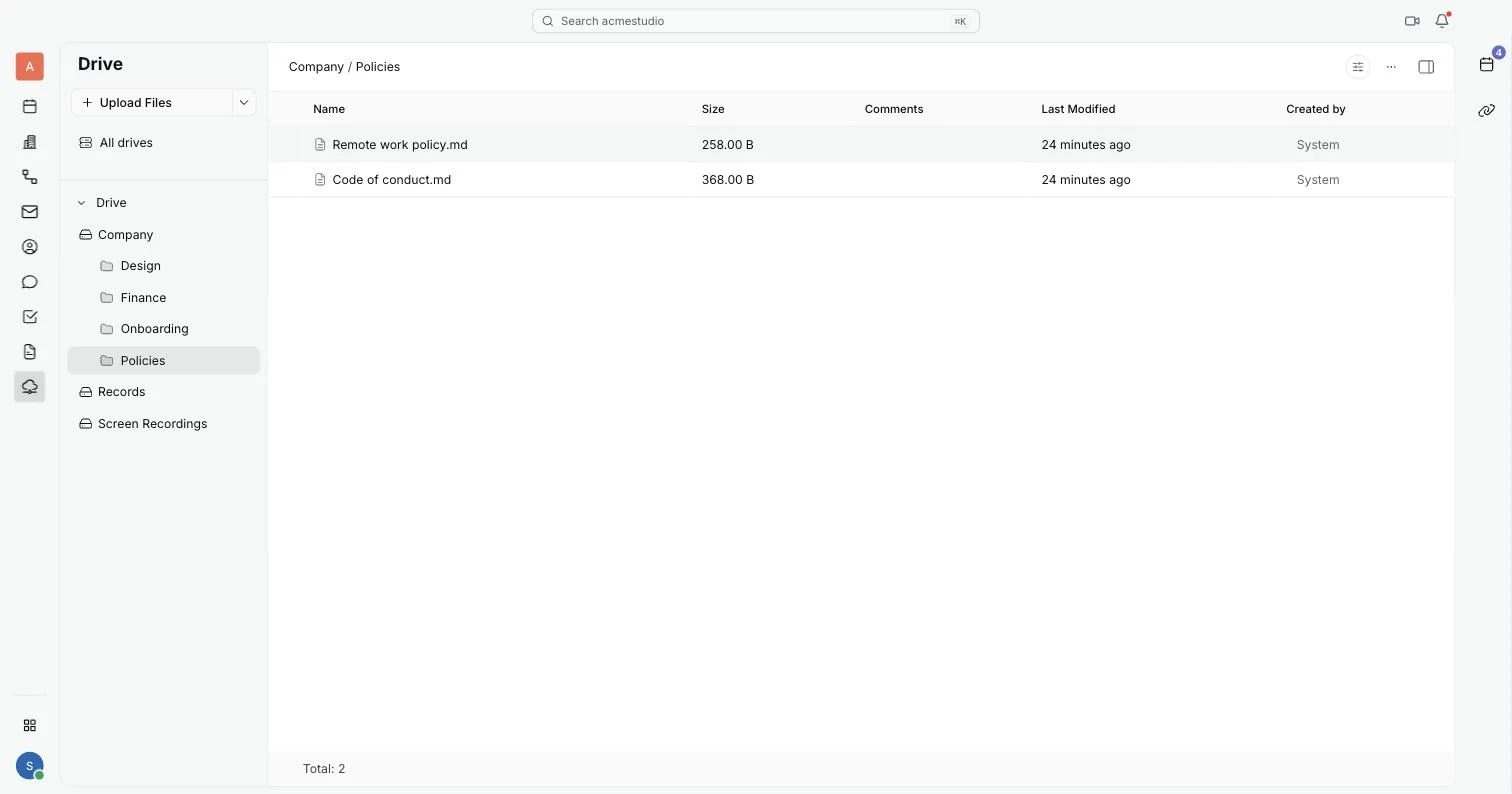
Every drive you belong to is in the sidebar, with its folders underneath. Search, filter, and switch between a table and a grid.
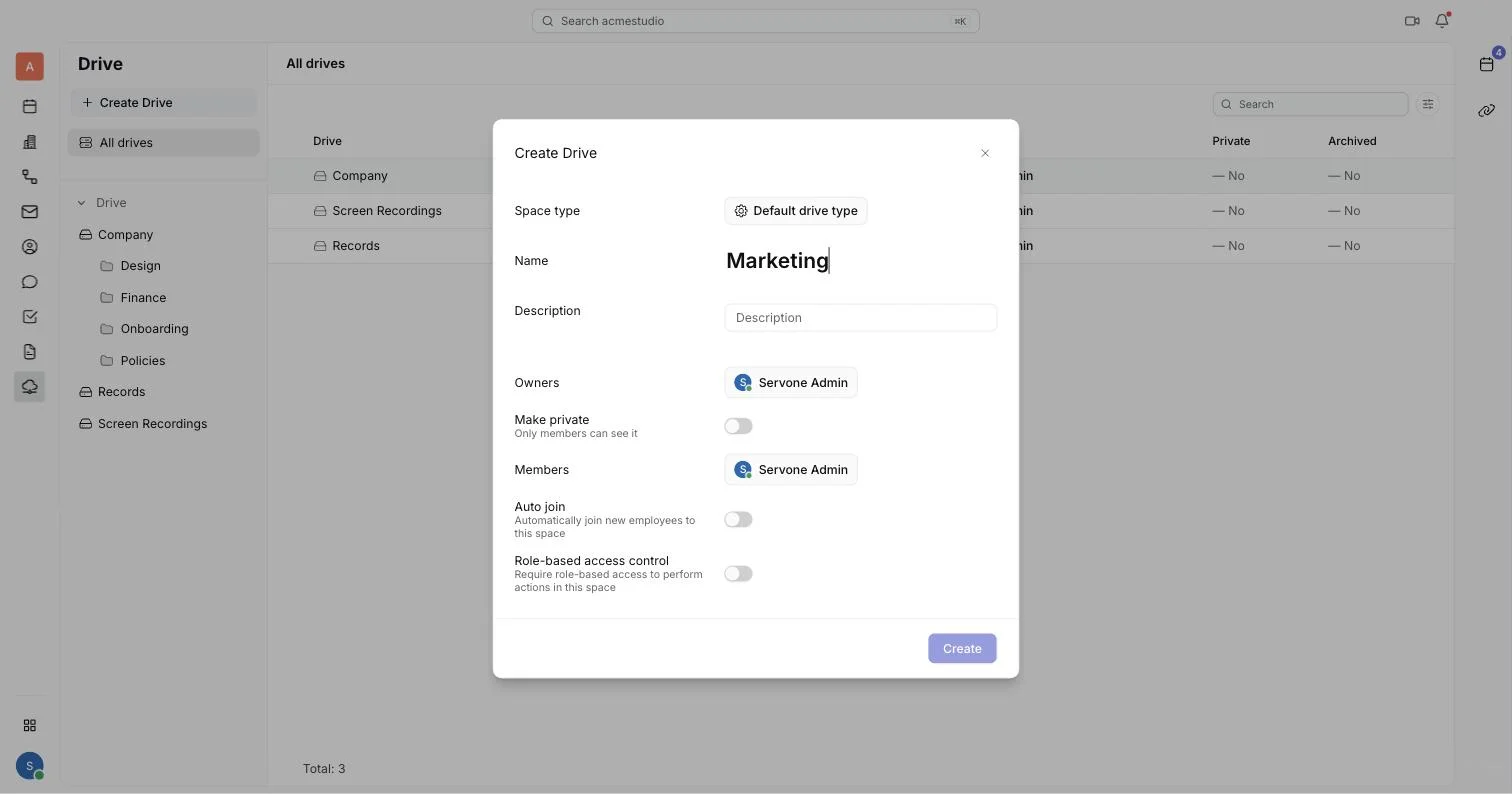
Access per drive, not per file
Each drive has owners and members. Make it private to its members, or turn on Auto join so new employees get it from day one.
- Versions you can roll back
- Upload a new version of a file and the old ones stay listed with who added them. Restore any older version with a right-click.
And the small things
- Upload whole folders
- Subfolders are created to match. Drag and drop works too.
- Preview in place
- Open a file to preview it, with its details on the side.
- Role-based access
- Decide which roles can create, update or remove files and folders in a drive.
- Workspace exports
- Exports from Settings land as a zip file in a drive named Export.
Questions
Bring your team to one place
Free while in beta. Invite teammates right after you sign up.
Sign up free